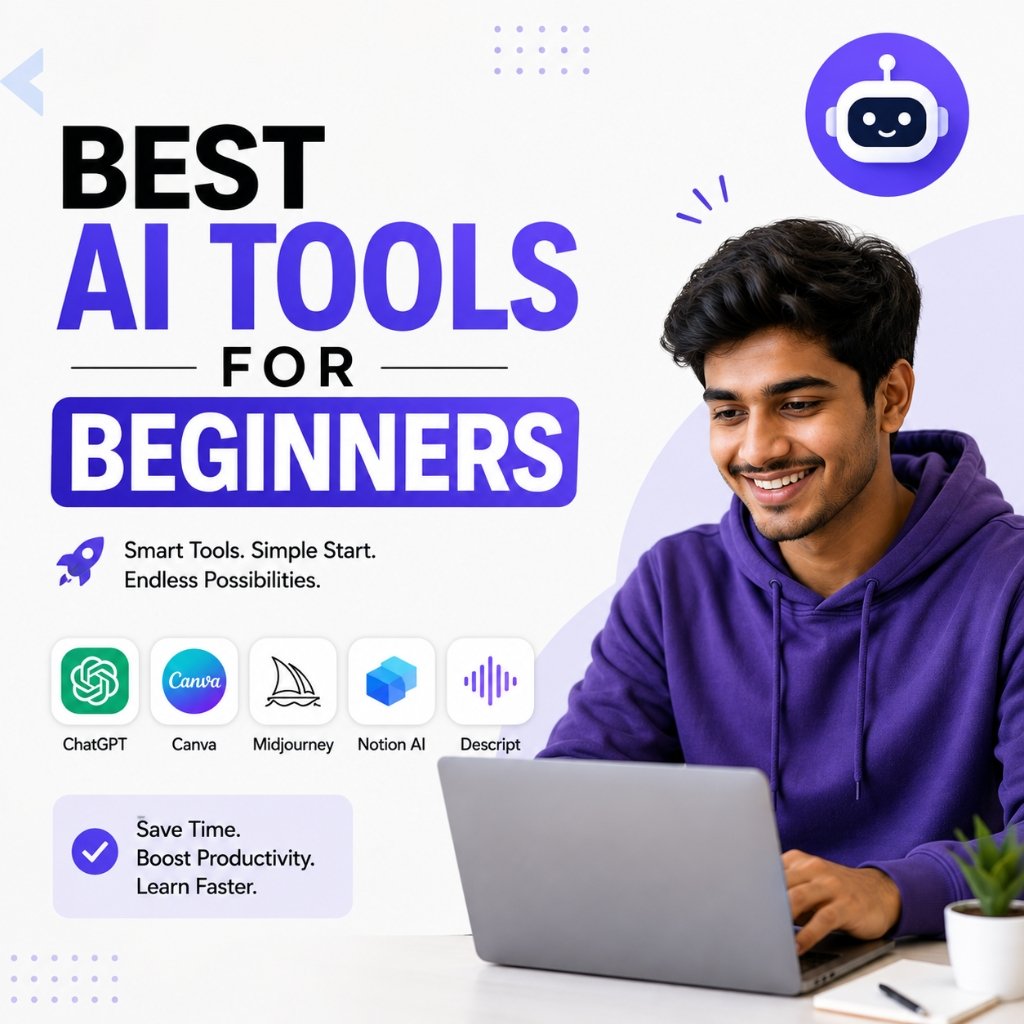

AI isn’t just for developers or big tech teams anymore. If you’re starting out, there are genuinely useful free AI tools for beginners that can help you write faster, design things you’d otherwise hire someone for, and stop wasting time on tasks that don’t need your full attention.
This guide covers the best free AI tools for beginners in 2026 — no fluff, no tools that require a paid upgrade to do anything useful.
Why Bother With AI Tools Early On?
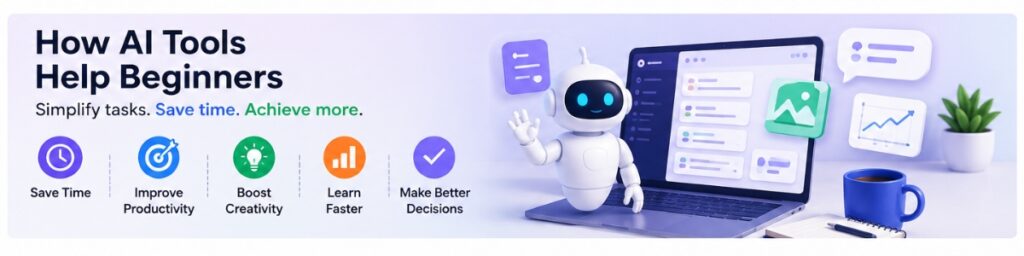
The honest answer: they save time on the repetitive stuff. Writing a first draft, cleaning up grammar, generating image ideas, transcribing a meeting — none of that needs to be manual anymore.
The better ones are also genuinely easy to pick up. You don’t need to know how they work under the hood. You just need to know what to ask.
1. ChatGPT – The One Most Beginners Start With (For Good Reason)
ChatGPT is probably the most well-known free AI tool for beginners, and it earns that reputation. It handles a wide range of tasks: writing drafts, explaining concepts, brainstorming, basic coding help, summarizing long documents.
The free tier is good enough for most everyday use. If you’ve never tried an AI assistant before, this is a reasonable first stop.
Good for: students, writers, anyone who writes a lot of emails, anyone learning something new.
2. Google Gemini – Better If You’re Already in the Google Ecosystem
Gemini pulls from current web results, which gives it an edge over tools with older training data. It’s useful for research, fact-checking, and anything where you need something reasonably up to date.
It also integrates with Google Docs, Gmail, and other Workspace tools, so if you’re already living in that ecosystem, it slots in naturally.
Good for: researchers, students, people who rely on Google Workspace.
3. Canva AI – Design Without the Learning Curve
For most beginners, design software is a barrier. Canva removes that. The AI features let you generate images from text, resize assets for different platforms, and build presentations without touching a single design principle.
Is it as powerful as Figma or Photoshop? No. Does it get the job done for social posts, slides, and basic marketing materials? Yes, reliably.
Good for: small business owners, content creators, students making presentations.
4. Grammarly – The Writing Assistant That Actually Catches Things
Grammarly isn’t just a spell-checker. The free version catches grammar issues, awkward phrasing, and tone mismatches that most people don’t notice until someone else points them out.
If English isn’t your first language, or you write a lot and want a second pass, it’s worth having installed.
Good for: bloggers, students, anyone sending professional emails.
5. Notion AI – Useful If You Already Use Notion
Notion AI works best when you’re already using Notion to organize your notes and projects. It can summarize pages, draft content, and help structure your thinking.
If you’re not a Notion user, it’s probably not worth switching just for the AI features. But if you are, it’s a practical add-on.
Good for: teams, project managers, students who take a lot of notes.
6. Perplexity AI – Search That Actually Tells You Things
Unlike a regular search engine, Perplexity gives you direct answers with citations. It’s faster than reading five different tabs and more reliable than asking a model that doesn’t cite anything.
For research tasks — especially when you need to understand something quickly and know where the answer came from — it’s one of the more underrated free AI tools for beginners who do a lot of fact-finding.
Good for: students, researchers, journalists, anyone who does a lot of fact-finding.
7. Microsoft Copilot – Worth Trying If You Use Windows or Office
Copilot is built into Windows and Microsoft 365. If you already use Word, Excel, or Teams, it can draft documents, pull meeting summaries, and help with repetitive spreadsheet work.
The free version has limits, but it’s accessible without creating a new account if you’re already in the Microsoft ecosystem.
Good for: office workers, students with Microsoft accounts.
8. Leonardo AI – Free Image Generation That Doesn’t Look Cheap
Leonardo AI generates images from text prompts and gives you more control over style and output than most free tools. The results are noticeably better than many alternatives at the free tier.
The free plan has a daily credit limit, which is enough for casual use.
Good for: designers, marketers, creators who need visual assets.
9. ElevenLabs – Realistic Voiceovers Without a Recording Setup
ElevenLabs turns text into audio that actually sounds like a person. The free tier is limited, but it’s enough to test it out and produce short clips.
If you make video content, educational material, or podcasts and don’t want to record your own voice every time, it’s worth the five minutes it takes to try.
Good for: YouTubers, educators, podcasters.
10. Otter.ai – So You Stop Forgetting What Was Said in Meetings
Otter.ai records and transcribes meetings in real time. The free plan covers a reasonable number of minutes per month and works well for one-on-ones and team calls.
If you regularly sit through meetings and find yourself going back to your notes to remember what was decided — this fixes that problem.
Good for: remote teams, students, anyone who does interviews or research calls.
How to Pick the Right Free AI Tools for Beginners
Don’t try all ten at once. Pick one that matches what you actually do day-to-day:
- Write a lot? Start with ChatGPT or Grammarly.
- Do research? Try Perplexity or Gemini.
- Make visual content? Go with Canva AI or Leonardo.
- Record meetings? Otter.ai is the obvious one.
- Make videos or audio? ElevenLabs is worth a look.
A Few Things Worth Knowing Before You Dive In
Prompting matters more than the tool. Vague instructions get vague output. The more specific you are about what you want, the better the results across every platform.
Verify anything important. AI tools make things up sometimes, especially on factual questions. If you’re using output for work, school, or anything public-facing, cross-check it.
They’re tools, not replacements. The best use of free AI tools for beginners is handling the tedious parts so you can focus on the work that actually requires your judgment.
Conclusion
AI tools are transforming the way people work, learn, and create. For beginners, starting with free AI tools is the perfect way to explore the power of artificial intelligence without spending money.
Tools like ChatGPT, Google Gemini, Canva AI, Grammarly, Perplexity AI, and Notion AI offer tremendous value and can help improve productivity across various tasks. By experimenting with these beginner-friendly tools, you can discover which ones best fit your personal or professional goals.
The future of AI is exciting, and there has never been a better time to start learning and using AI tools.
If you’re specifically focused on marketing, it’s worth going deeper on the tools built for that use case. Google Pomelli is one free AI tool that’s been gaining attention among marketers for its practical, campaign-ready features. Check out this detailed breakdown of Google Promelli: Free AI Tool for Marketers to see how it fits into your workflow alongside the tools covered above.
FAQs
What are the best free AI tools for beginners in 2026? ChatGPT, Perplexity, Grammarly, and Canva AI are strong starting points depending on what you need. ChatGPT is the most versatile; Perplexity is better for research; Canva is better for design.
Are free versions actually usable? For most tasks, yes. The paid tiers add speed, higher limits, and advanced features — but the free versions of most tools on this list are functional enough to get real work done.
Do you need technical skills to use free AI tools for beginners? No. All of these tools work through plain language. If you can type a question, you can use them.


Pingback: How to Earn Passive Income with AI -10 Ways in 2026
Pingback: Best AI Resume Builder Tools to Get Hired in 2026
Pingback: Best AI Tools for YouTube Automation in 2026
Pingback: How to Build Funnels with AI Tools Easily in 2026
Pingback: Jio Free AI Course : #1 AI Classroom Foundation Program