

Artificial intelligence is changing the way we work, build applications, and run businesses. But as more people start using AI, one common challenge keeps coming up: the cost of using AI tools and the limitations that come with them.
Many popular AI platforms offer powerful features, but they also come with monthly subscriptions, API charges, usage limits, and concerns about data privacy. For developers, startups, and small businesses, these costs can quickly add up, especially when working on multiple projects.
That’s why open source AI tools are gaining so much attention in 2026. They give developers and businesses the freedom to experiment, customize AI solutions, and build applications without depending entirely on expensive proprietary platforms.
The interesting part is that you no longer need a huge budget or a dedicated AI research team to get started. Today, there are open source tools that can help you build AI chatbots, automate repetitive tasks, generate content, run AI models on your own computer, and even develop complete AI-powered applications.
Of course, not every open source tool is completely free to operate. Some require technical knowledge, suitable hardware, or hosting expenses. Still, they can offer much greater flexibility and control over how you use AI.
So, which open source AI tools are actually worth trying in 2026?
In this article, we’ll explore some of the best options available, what makes each tool useful, and how you can use them in real-world projects. Whether you’re a developer, startup founder, business owner, or simply someone curious about AI, this guide will help you find the right tools for your needs.
Why Developers Are Prioritizing Open Source AI Tools
Proprietary models still provide remarkable baseline reasoning, but enterprise realities require privacy, cost predictability, and deep customization. When organizations handle confidential healthcare data, proprietary financial records, or sensitive intellectual property, piping raw user inputs through third-party servers presents compliance hurdles under regulations like the EU’s GDPR or India’s DPDP Act.
Adopting self-hosted open source AI tools resolves these governance bottlenecks. By running model inference on dedicated private clusters or local developer workstations, your data never leaves your perimeter. Furthermore, financial predictability improves dramatically. Instead of paying variable per-million-token fees that surge unexpectedly during traffic spikes, engineering teams can budget for fixed compute resources on cloud providers like RunPod, AWS, or local bare-metal rigs.
Essential Categories of Open Source AI Tools in 2026
Building an enterprise-ready artificial intelligence stack requires more than downloading weights from a model repository. You need a coordinated ecosystem encompassing inference engines, orchestration platforms, data retrieval layers, parameter-efficient fine-tuning frameworks, and observability pipelines.
1. High-Performance Local Inference Engines
Running foundation models locally once required painful configuration of CUDA drivers and manual memory allocation. Modern inference runtimes have abstracted that friction entirely:
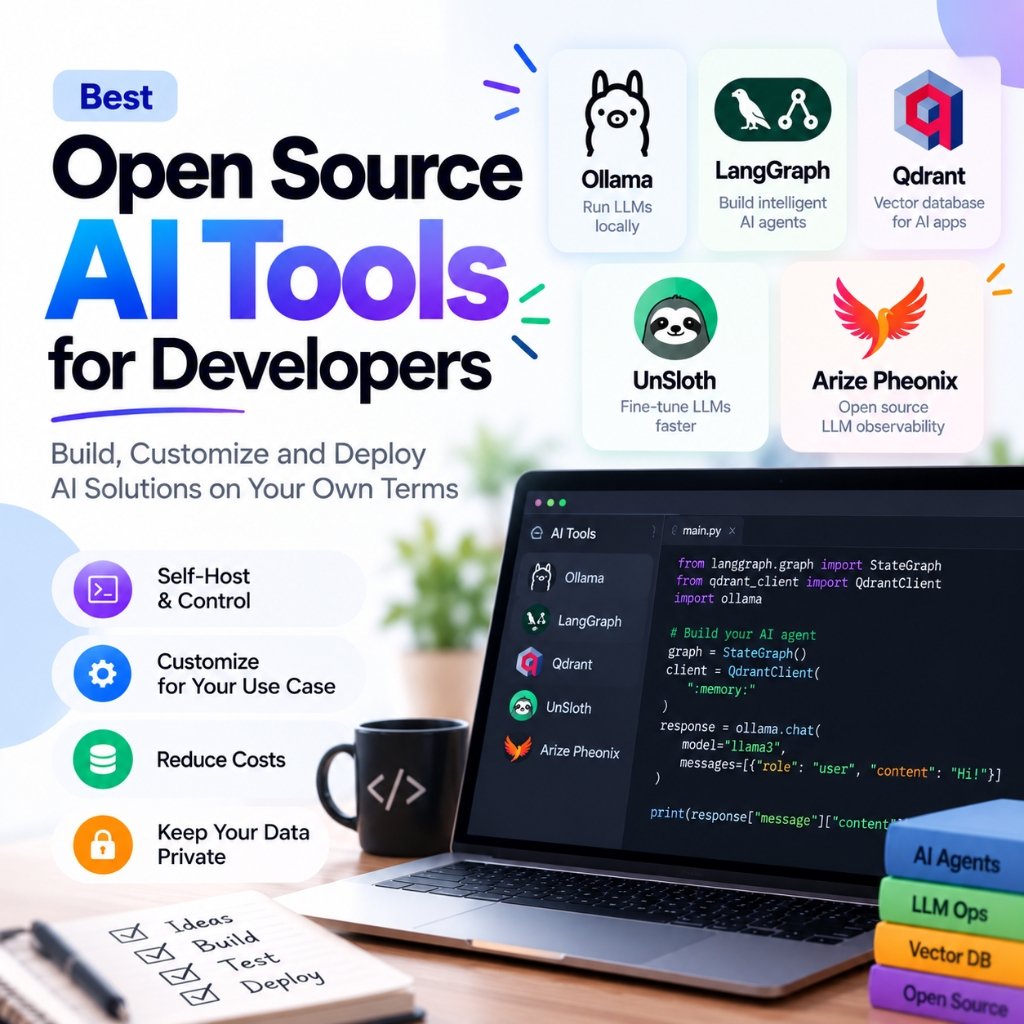
- Ollama: The gold standard for local development across macOS, Linux, and Windows. It bundles model weights, runtime configurations, and GPU acceleration into intuitive commands, exposing an OpenAI-compatible REST API on your local machine.
- vLLM: The premier choice for production-grade serving. Utilizing Paged Attention algorithms, vLLM achieves staggering throughput and near-zero memory waste, allowing engineering teams to serve high-concurrency requests cost-effectively.
- TGI (Text Generation Inference): Engineered by Hugging Face, this purpose-built framework powers production deployments with tensor parallelism, dynamic batching, and battle-tested telemetry for enterprise workloads.
2. Multi-Agent Orchestration and Workflow Builders
When connecting language models to external data sources, relational databases, and dynamic web endpoints, robust orchestration is essential. Several powerful open source AI tools dominate this layer:
- LangGraph: A cyclic, graph-based state coordination framework that gives developers granular deterministic control over agent loops, state persistence, and human-in-the-loop validation checkpoints.
- CrewAI: A modular framework designed for collaborative multi-agent role-playing. It simplifies delegation, hierarchical task execution, and automated research workflows across complex domain logic.
- Dify: An all-in-one visual orchestration platform that bridges the gap between visual prompt engineering and production backend APIs, making it a favorite among cross-functional product teams.
3. Retrieval-Augmented Generation (RAG) and Vector Storage
Retrieval architectures anchor models to your company’s proprietary data corpus without costly fine-tuning. Essential open-source components include:
- Qdrant: A lightning-fast, Rust-based vector search engine optimized for production workloads with rich payload filtering, distributed architecture, and high scalability.
- Chroma: A developer-friendly, lightweight embedding database designed for rapid prototyping, seamless embedding ingestion, and local application development.
- LlamaIndex: The foundational data framework for ingesting, parsing, chunking, and querying structured and unstructured business documents across diverse storage connectors.
4. Efficient Model Customization and Fine-Tuning
When generalist models need deep domain-specific vocabulary or specialized formatting, parameter-efficient fine-tuning (PEFT) bridges the gap without requiring immense computing clusters:
- Unsloth: An ultra-fast, memory-optimized fine-tuning library that accelerates training of models like Llama and Mistral by up to 5x while slashing VRAM consumption by 80%.
- Axolotl: A versatile, configuration-driven post-training tool that streamlines dataset preparation, LoRA training, and alignment experiments across distributed environments.
5. Evaluation and Observability Infrastructure
Deploying autonomous applications without continuous telemetry is a recipe for silent failure. Observability tools monitor prompt drift, track token expenditure, and identify hallucinations:
- Arize Phoenix: An open-source AI observability platform providing end-to-end tracing, evaluation datasets, and performance visualization for complex agent pipelines.
- Helicone: A lightweight proxy tool that logs API latency, caches frequent queries to slash compute costs, and detects anomalous traffic patterns in real time.
How to Evaluate and Deploy Open Source AI Tools Safely
Transitioning from hosted APIs to self-managed open-source infrastructure introduces architectural trade-offs. Successful deployment requires following a disciplined implementation methodology:
- Conduct Hardware Benchmarking: Before committing to a self-hosted architecture, benchmark your target workload against available hardware. Assess GPU VRAM requirements; running a quantized 8-billion parameter model requires around 6 GB to 8 GB of VRAM, whereas 70-billion parameter models demand multi-GPU configurations with at least 48 GB of memory.
- Implement Structured Guardrails: Open-weight models vary in instruction-following precision. Always wrap your models with deterministic validation libraries like Pydantic or NeMo Guardrails to enforce strict output schemas before data touches backend databases.
- Prioritize Modular Architecture: Design your software using modular adapters so you can swap out model backends or vector engines as more efficient models drop on Hugging Face without rewriting your core business logic.
- Establish Cost-Per-Query Baselines: Compare the total cost of ownership (TCO) including cloud compute, memory, and maintenance overhead against traditional API costs to ensure your self-hosted setup delivers genuine economic savings.
Also Read: As AI-powered search engines like ChatGPT, Perplexity, and Google AI Overviews become more popular, understanding how your website or brand appears in AI-generated answers is becoming increasingly important. If you’re exploring AI tools to improve your online visibility, check out our guide on the Top AI Search Monitoring Tools in 2026. It covers useful tools that can help you track your brand’s presence in AI search results, monitor visibility, and discover opportunities to improve your AI search strategy.
Frequently Asked Questions (FAQ)
Q:Are open source AI tools suitable for enterprise production?
Yes, open source AI tools are widely deployed in mission-critical enterprise environments. Leading technology companies, healthcare networks, and financial institutions use tools like vLLM, Qdrant, and LangGraph to serve millions of production queries daily while ensuring strict compliance, minimal latency, and full control over data security.
Q:What hardware do I need to run open source AI models locally?
For everyday prototyping, modern consumer laptops equipped with unified memory (such as Apple Silicon MacBooks with 16 GB to 36 GB RAM) or desktop GPUs with 8 GB to 16 GB VRAM (like NVIDIA RTX 3060/4070) can easily run quantized 7B to 14B parameter models using Ollama. For larger 70B models, dedicated cloud GPU instances with 48 GB to 80 GB VRAM are recommended.
Q:How do open source models compare to closed APIs in terms of cost?
While closed APIs charge continuously per token, open source models shift costs to fixed compute infrastructure. For low-volume experiments, hosted commercial APIs are often cheaper. However, once your application processes hundreds of thousands of daily requests, self-hosting open-weight models on dedicated instances can cut ongoing inference costs by 60% to 85%.
Q:What are the most popular open source AI tools for local development?
The most widely adopted tools for local exploration include Ollama for running models locally, Chroma for vector storage, Open WebUI for a private ChatGPT-like interface, and LiteLLM for routing calls across multiple model providers through a unified API format.


Pingback: How to Learn Agentic AI in 2026: Complete Roadmap