
Key takeaways
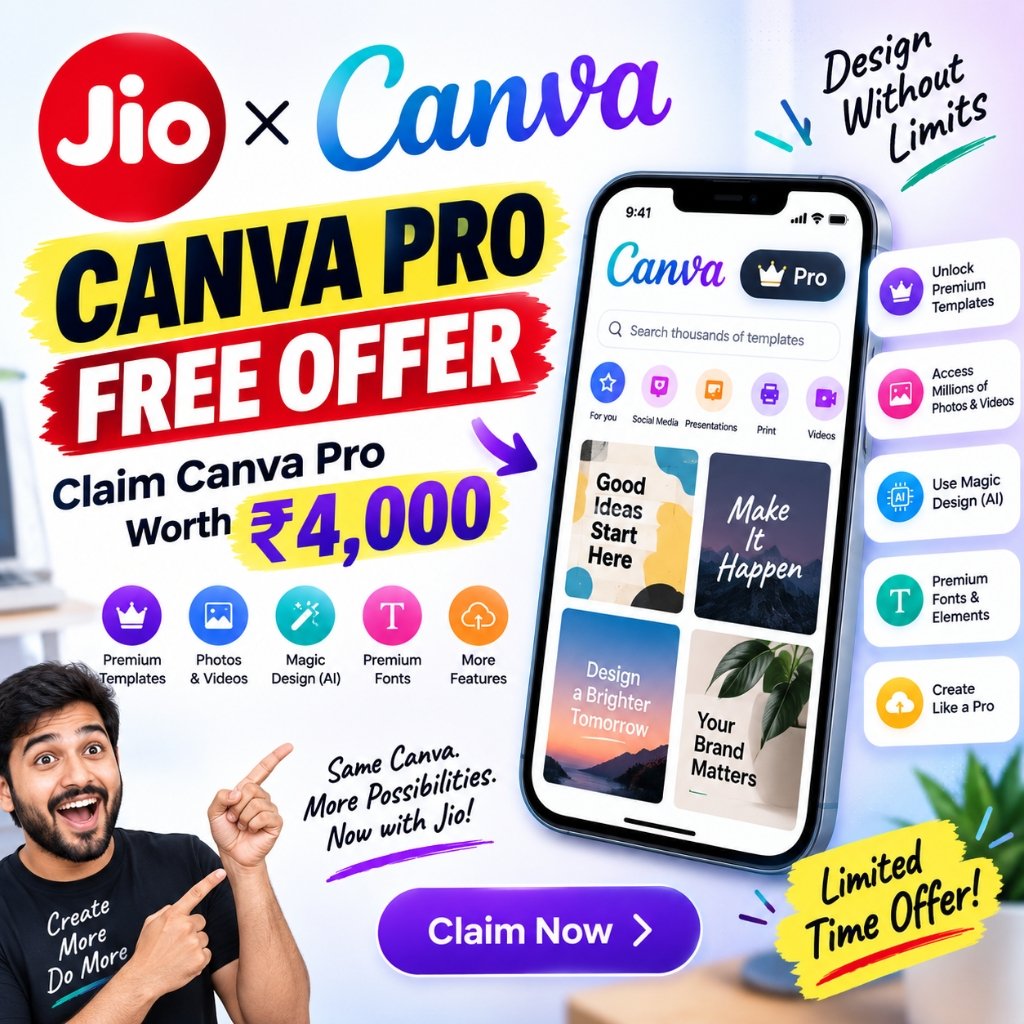
- Reliance Jio has partnered with Canva to give eligible users up to 12 months of Canva Pro or Canva Pro Lite free, a benefit valued at up to ₹4,000.
- The Jio Canva Pro free offer is tied to your recharge plan: the ₹399 plan unlocks Canva Pro, while the ₹349 plan and eligible 2GB/day plans above ₹349 unlock Canva Pro Lite.
- You claim everything inside the MyJio app, with no hidden charges and no separate subscription fee.
- The offer went live on September 16, 2026, across Jio recharge channels.
Why the Jio Canva Pro Free Offer Is Worth Your Attention
If you have been looking for a reason to upgrade your design workflow, the Jio Canva Pro free offer is arguably the most practical deal Jio has rolled out this year. Reliance Jio has teamed up with Canva — the AI-powered design platform used by hundreds of millions of people worldwide — to give eligible Indian users up to 12 months of premium access at zero cost. The two companies value the benefit at up to ₹4,000, and for students, freelancers, small business owners, and content creators, that is a genuinely meaningful number.
What makes the partnership interesting is not just the price. It is the intent. Jio wants to put professional-grade creative tools into the hands of people who could never justify paying for a premium design subscription, while Canva gains a foothold in one of the world’s largest digital markets. For the user caught in the middle, the result is simple: a paid design platform for the cost of a recharge you were probably going to buy anyway. This guide breaks down who qualifies, how Canva Pro compares with Canva Pro Lite, and exactly how to activate the benefit on your phone in a few taps.
What Exactly Is the Jio Canva Pro Free Offer?
At its core, the Jio Canva Pro free offer is a bundled subscription perk. When you recharge with a qualifying Jio plan, you become eligible to activate either Canva Pro or Canva Pro Lite for up to twelve months — free of charge. There is no extra payment, no trial that quietly converts into a bill and, according to both companies, no hidden charges.
Canva’s platform includes millions of premium templates, stock photos, videos, and fonts, along with a growing suite of AI-powered design tools. It also supports Hindi and several other Indian languages, which matters a great deal for users who think and create in their mother tongue. Whether you are building a school project, a festival greeting, an Instagram post, a sales deck, or a full marketing campaign, the tools now sit on your phone, ready to go. In practical terms, the offer lowers the barrier to professional design from “I need to learn expensive software” to “I need to open an app.”
Eligibility: Which Jio Plans Unlock the Offer?
The Canva tier you receive depends entirely on the Jio recharge plan you are on. The mapping is straightforward:
| Jio recharge plan | Canva benefit | Duration |
|---|---|---|
| ₹399 plan | Canva Pro | Up to 12 months |
| ₹349 plan | Canva Pro Lite | Up to 12 months |
| Eligible 2GB/day plans above ₹349 | Canva Pro Lite | Up to 12 months |
If you are unsure which plan you are on, open the MyJio app and check your active plan details before you start the activation process. Because the benefit is linked to your recharge, you need to be on a qualifying plan for the offer to appear inside the app. Users on ineligible plans may not see it at all, which is the quickest way to confirm where you stand. The Jio Canva Pro free offer is built around a full twelve-month window — enough time to genuinely learn the platform rather than just sample it.
Canva Pro vs Canva Pro Lite: What Do You Actually Get?
Both tiers are generous, but they are not identical. Canva Pro is the full experience, while Canva Pro Lite trims a few advanced capabilities. Here is the clearest way to think about the difference:
| Feature | Canva Pro Lite | Canva Pro |
|---|---|---|
| Premium templates, photos, videos and fonts | Yes | Yes |
| One-tap Background Remover (photos and video) | Yes | Yes |
| Magic Resize (one design, every format) | Yes | Yes |
| Magic Eraser | Yes | Yes |
| Print-ready CMYK exports | Yes | Yes |
| Brand Kit | Basic (3 kits) | Advanced (5 kits) |
| Content Planner (schedule social posts) | No | Yes |
| Canva AI — conversational, chat-to-design | No | Yes |
| Advanced AI tools and higher AI limits | Free-plan level | Full suite, higher limits |
| Cloud storage | 50 GB | 100 GB |
If you are a solo creator who mostly designs social posts, presentations, and flyers, Canva Pro Lite covers the essentials comfortably. If you are running a brand, managing multiple clients, or leaning heavily on AI features such as conversational design and content scheduling, Canva Pro is the tier you want — and it is the one attached to the ₹399 recharge.
How to Claim the Jio Canva Pro Free Offer Step by Step
Activating the benefit takes only a few minutes. Here is the process:
- Recharge with a qualifying plan. Confirm you are on the ₹399 plan for Canva Pro, or the ₹349 / eligible 2GB/day plan for Canva Pro Lite.
- Open the MyJio app and sign in with the Jio number that holds the eligible recharge.
- Locate the Canva offer. Look for the Canva banner or tile on the home screen or in the offers section.
- Tap the offer and follow the on-screen instructions. You may be asked to verify your Jio number.
- Sign in to Canva or create an account. Use the Canva account you actually want linked — the subscription attaches to whichever account you choose.
- Start creating. Once activation is complete, your premium access is live.
A small but important tip: decide on your Canva account before you begin. If you link the benefit to a throwaway account, moving it later can be awkward. Use the primary email or Google account you already use for design work.
Why This Offer Matters for Indian Creators and Small Businesses
Think about who actually benefits here. A college student designing a presentation no longer has to fight watermarks. A boutique owner creating Instagram creatives no longer needs to hire a designer for every festival post. A freelancer pitching a client can present polished decks without adding a software line to their expenses. The Jio Canva Pro free offer quietly removes one of the small but real cost barriers that hold ambitious people back.
Kiran Thomas, President of Reliance Industries Limited, framed the partnership as placing “world-class, AI-powered design tools in the hands of millions of Indians — free, and a tap away on MyJio.” That line captures the strategy well: distribution meets accessibility. Design skills are becoming as fundamental as spreadsheet or word-processing skills, and putting capable tools on a smartphone is how that skill becomes widespread. The language support deserves a special mention too — creating in Hindi or another Indian language means the platform works with you rather than forcing you to adapt, which is the difference between a tool people try once and a tool they use every week.
Tips to Get the Most Out of Your Free Canva Subscription
Once your free Canva subscription is active, a little structure goes a long way:
- Build your Brand Kit first. Upload your logo, pick two or three brand colours, and set your fonts so every design stays on-brand automatically.
- Lean on Magic Resize. Design once for Instagram, then resize instantly for Stories, LinkedIn, a poster, or a slide.
- Use the Background Remover for product photos. It is one of the fastest ways to make a small business look professional without a studio.
- Schedule with the Content Planner (Pro only). Batch a week of posts in one sitting and let the planner release them on schedule.
- Explore the AI tools deliberately. Chat-to-design and the advanced AI features reward clear, specific prompts — vague requests produce vague results.
Treat the twelve months as a learning runway. The users who get the most from a free subscription are the ones who build a habit, not the ones who open it once and forget it.
Frequently Asked Questions
Q:How long does the free Jio–Canva offer last? Eligible users receive up to 12 months of Canva Pro or Canva Pro Lite. The offer went live on September 16, 2026, across Jio recharge channels.
Q:Which Jio plans qualify for the offer? The ₹399 plan gives you Canva Pro. The ₹349 plan and all eligible 2GB/day plans priced above ₹349 give you Canva Pro Lite.
Q:Is there any hidden cost? No. Both companies have stated there is no additional subscription fee and no hidden charges. You simply need to be on a qualifying recharge plan.
Q:How do I claim it? Open the MyJio app, find the Canva offer, tap it, and follow the on-screen steps. You will sign in to an existing Canva account or create a new one.
Q:Can I choose between Canva Pro and Canva Pro Lite? Not directly — the tier you get is decided by your recharge plan. If you want the full Canva Pro suite, the ₹399 plan is the one to choose.
Q:What is the main difference between the two tiers? Canva Pro adds the advanced Brand Kit, the Content Planner, conversational Canva AI, higher AI limits, and 100 GB of storage. Canva Pro Lite focuses on templates, background removal, Magic Resize, and print-ready exports with 50 GB of storage.
Free premium design tools are a great starting point, but the real leap comes when AI stops merely assisting your design and starts doing the work for you. If you want to go beyond templates and background removers, our complete guide on how to use ChatGPT Astra walks through OpenAI’s new computer-use model — from picking the right thinking level to letting it build websites, fill forms, and automate everyday admin tasks. Pair the two, and you have both the design layer and the execution layer covered.
Final Thoughts
The Jio Canva Pro free offer is a rare case where a telecom bundle is genuinely useful rather than merely promotional. For the price of a recharge you would likely make anyway, you get a year of premium design tools, AI assistance, and the ability to create in the language you are most comfortable with. If you are on a qualifying plan, the smartest move is to open MyJio today, confirm your eligibility, and claim the offer before you forget about it. If you are not on a qualifying plan, the ₹399 recharge is a reasonable upgrade path — one that effectively pays for itself the first time you replace a paid design subscription with Canva.
Either way, the barriers to looking professional just got a lot lower.